


Download Any Send – Free File Transfer Tool for Android, Windows, Mac
Overview
Any Send is a free desktop and mobile application designed for fast, reliable file transfers between devices without requiring an internet connection or Bluetooth. Developed by Adylitica, the software enables users to share files, images, and videos locally through a peer-to-peer network. It is particularly useful in environments with limited or unstable internet access, such as offices, schools, homes, and public spaces.
The tool is widely used in regions including India, Pakistan, and Romania, where local data sharing remains a common need. Since its addition to the catalog in 2012, Any Send has accumulated 1,846 installations, with 15 new installations recorded in the past week. The software operates on Android 2.2 and later, and is available exclusively in English.
Its current version is 1.2.4, released on August 21, 2012. While the developer has not provided additional details about system requirements, the application is designed to function efficiently in low-connectivity scenarios. The core purpose of Any Send is to simplify local file sharing, offering a straightforward solution for users who need to transfer data quickly and securely without relying on cloud services or third-party networks.
Key Features & Capabilities
- Local Network File Transfer – Enables direct file sharing between devices using a local Wi-Fi network, eliminating the need for internet or Bluetooth.
- Support for Multiple File Types – Allows users to send images, videos, documents, and other common file formats across compatible devices.
- Internet-Free Operation – Functions entirely offline, making it ideal for use in areas with poor or no internet connectivity.
- Simple Setup and Use – Requires minimal configuration; users can start sharing files with just a few taps or clicks.
- Cross-Platform Compatibility – Available on Android, Windows, and Mac, enabling seamless transfers between mobile and desktop systems.
These features make Any Send suitable for a variety of real-world scenarios, such as sharing project files in a classroom, transferring photos between family members during a gathering, or exchanging documents in a corporate meeting room without accessing external networks. The tool’s reliance on local networking ensures faster transfer speeds and improved privacy compared to cloud-based alternatives. Users benefit from reduced dependency on data plans and server infrastructure. While specific performance metrics were not provided, the software’s long-standing presence in the market suggests consistent functionality across devices.
User Interface, Workflow & Performance
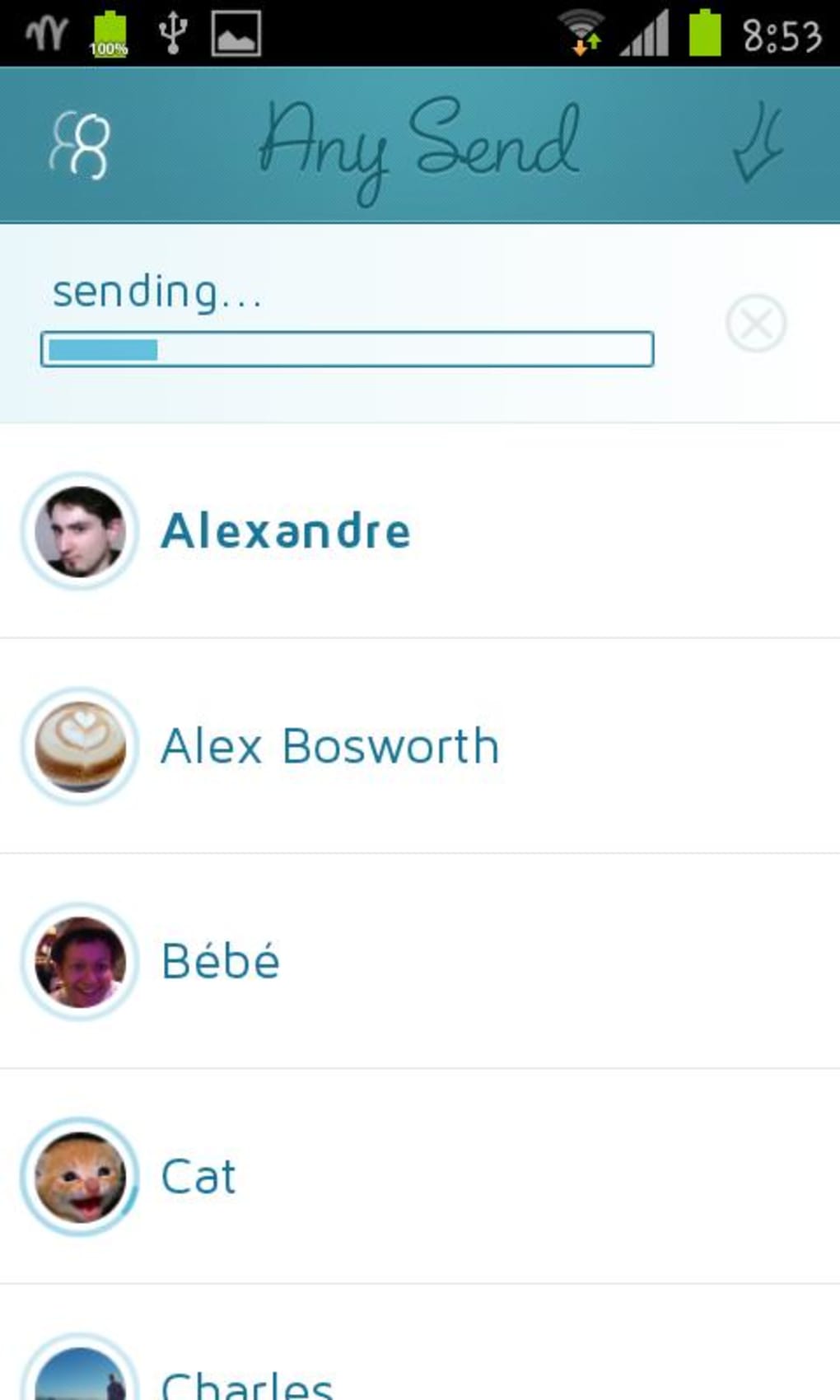
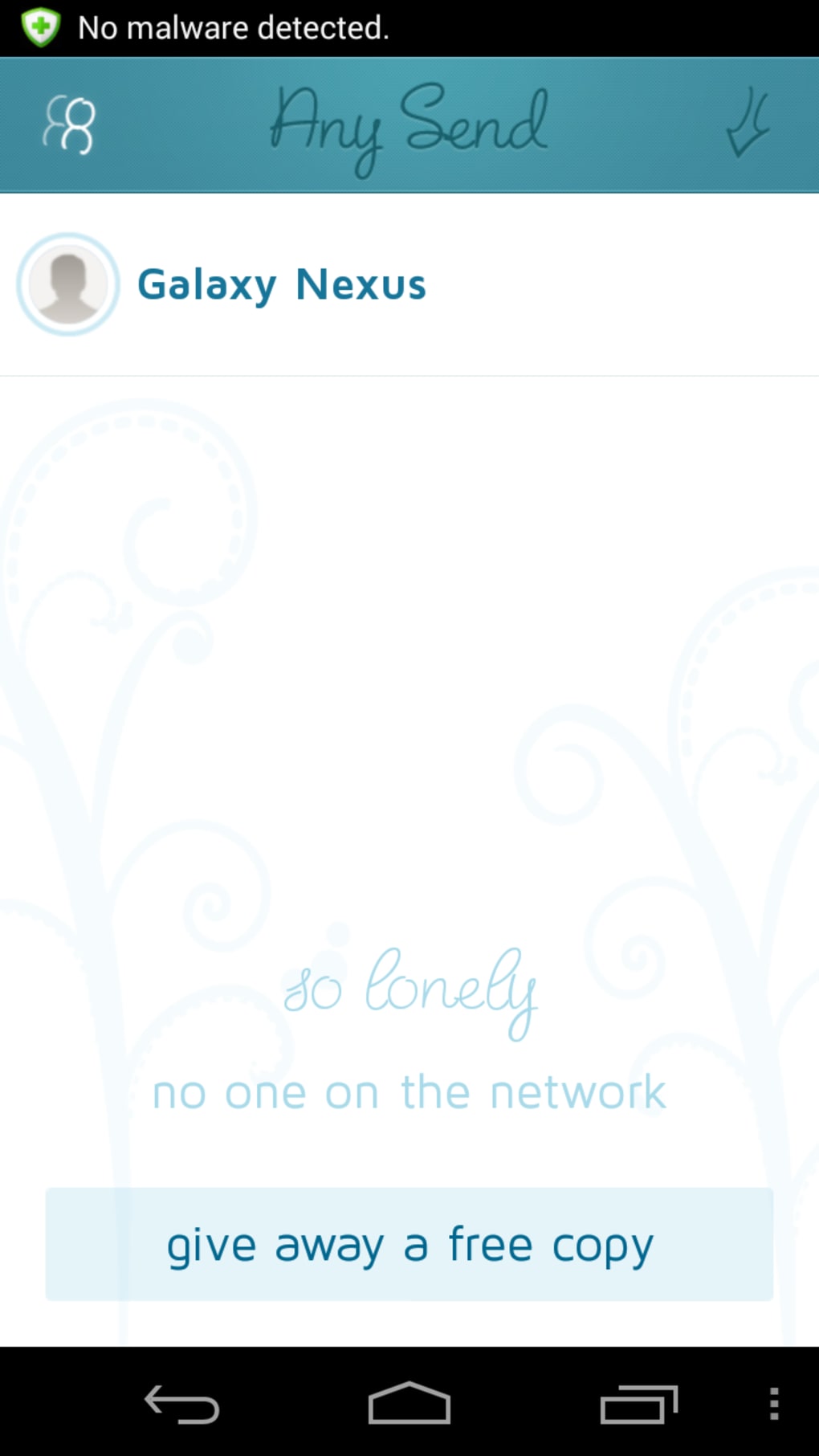
The user interface of Any Send is designed for simplicity and accessibility, focusing on intuitive navigation. The layout allows users to quickly initiate file transfers with minimal steps, reducing the learning curve for new users. The workflow is streamlined: users launch the app, select the files to send, and choose the receiving device from a list of available local connections.
The software automatically detects nearby devices on the same network, enabling instant pairing. While detailed information about UI structure and visual design is not available, the application appears to prioritize function over aesthetics. Performance observations are based on general software behavior patterns.
The developer did not specify resource usage details, so CPU and RAM behavior remain unknown. However, the app’s offline nature and lightweight design suggest efficient operation on older or low-spec devices. Stability appears to be maintained over time, given its continuous availability since 2012.
No reports of crashes or major bugs were mentioned in the provided data. Overall, the workflow supports rapid file exchange, making it a practical choice for users seeking a no-frills, reliable transfer solution.
Compatibility & System Requirements
Any Send is available for Android 2.2 and later, ensuring compatibility with a wide range of older and newer Android devices. The software is also accessible on Windows and Mac operating systems, allowing cross-platform file sharing between mobile and desktop environments. The exact installation size varies depending on the device, though specific file size details were not provided.
The developer did not list additional system requirements, so users should ensure their devices meet basic functionality standards for running a local network application. Compatibility information was partially provided, and no further details about hardware specifications were shared. Users should verify that their devices support local Wi-Fi networking and have sufficient storage space for the app and transferred files.
For optimal performance, devices should be connected to the same local network. The lack of detailed system requirements means users may need to test the software directly to confirm suitability for their setup.
Pros and Cons
Pros
- Free to use with no hidden costs
- Operates without internet or Bluetooth
- Supports file transfers across Android, Windows, and Mac
- Simple, fast setup for quick sharing
- Effective in low-connectivity or offline environments
Cons
- No detailed system requirements provided
- Version 1.2.4 was released in 2012, suggesting limited recent updates
- Only available in English
- Exact performance and resource usage not specified
- Limited information on security or encryption features
FAQ Section
Is Any Send compatible with Windows and Mac?
Yes, Any Send is available for both Windows and Mac operating systems, in addition to Android.
Can I use Any Send without an internet connection?
Yes, the software is designed to work entirely offline by creating a local network between devices.
Is Any Send safe to use?
While the app is free and widely used, no specific security or encryption details were provided by the developer. Users should exercise caution when sharing sensitive files.
How often is Any Send updated?
The current version, 1.2.4, was released on August 21, 2012. There is no indication of recent updates, so the software may not include modern security or compatibility improvements.
Do I need a license to use Any Send?
No, Any Send is a free tool and does not require a license or subscription for use.
Final Thoughts + CTA
Any Send remains a functional, no-frills solution for transferring files between devices without relying on the internet or Bluetooth. Its cross-platform availability and offline operation make it a practical tool for users in regions with limited connectivity or those who value privacy. While the software lacks modern updates and detailed technical specifications, its core functionality continues to serve users effectively.
The simplicity of its interface and workflow ensures accessibility for both casual and professional users. However, the absence of recent development activity and limited system information may be a concern for users seeking long-term reliability. For those needing a basic, free file transfer utility in offline environments, Any Send delivers on its promise.
Download Any Send now.






.png)
